To reset your Breville espresso maker, first turn it off and unplug it for a few minutes to clear internal errors. Then, plug it back in and follow model-specific steps like holding certain buttons or using the menu options to restore factory settings.
After resetting, you should recalibrate shot volumes and check water flow. If issues persist, verify all parts are correctly seated and consider contacting support.
You can explore detailed instructions and maintenance tips to keep your machine performing at its best. It’s always good to stay on top of regular upkeep to avoid future problems.
Prepare Your Breville Espresso Maker for Reset
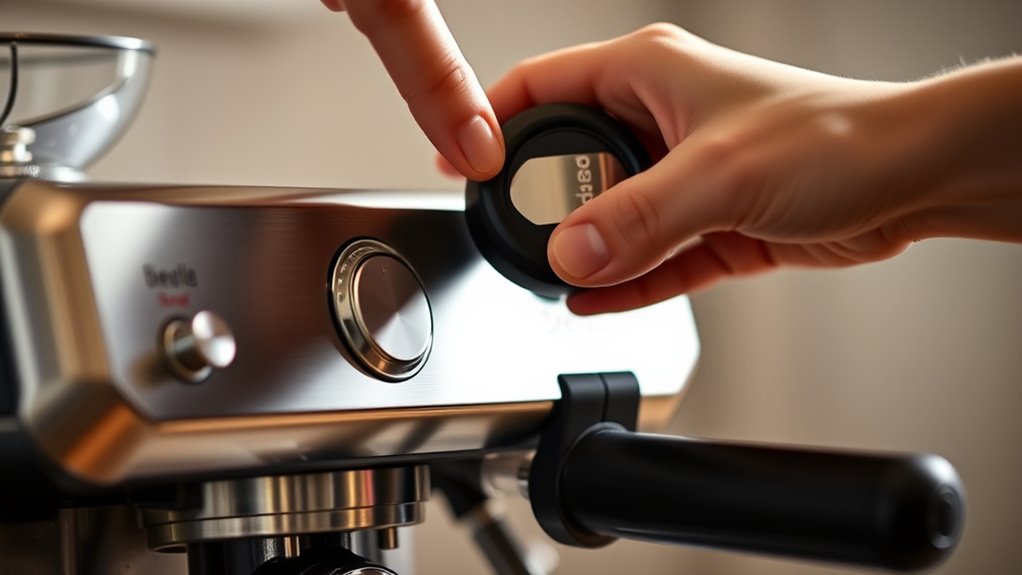
Before you begin resetting your Breville espresso maker, make sure the machine is completely turned off and unplugged to guarantee your safety. This step prevents any accidental button presses that might disrupt the reset process.
Next, confirm that the water tank and drip tray are securely in place. Improperly positioned components can cause operational issues during reset. Double-check all parts to ensure they’re correctly seated and stable. This helps the machine function smoothly.
Once you plug the machine back in and power it on, you may notice a brief cycle indicating the machine is ready for reset procedures. Taking these preparatory steps ensures your Breville espresso maker is properly set for a seamless and effective reset.
For optimal espresso preparation, it’s also important to understand the impact of grind size and pressure on extraction quality when using your machine.
Reset the Breville Barista Express to Factory Settings
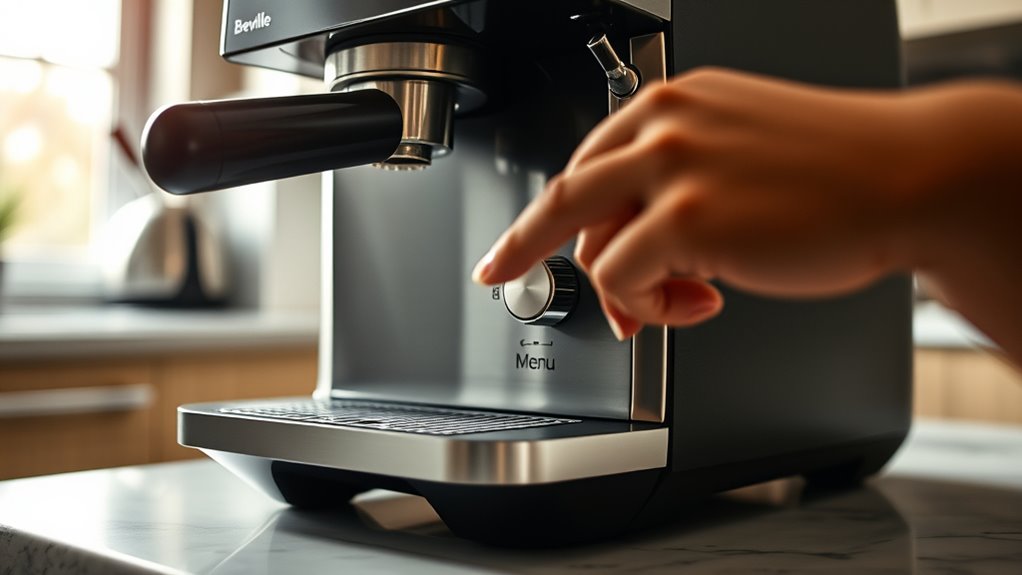
If you want to restore your Breville Barista Express to its original factory settings, start by ensuring the machine is off and unplugged for safety.
Once ready, plug it back in and turn it on.
When prepared, reconnect the power and switch the machine on to proceed.
Press and hold the Program button until all the panel lights flash, then release the button.
This action initiates the reset process, which completes within a few seconds.
Confirm the reset by checking that the panel lights return to their default, initial state.
After resetting, you’ll need to reprogram your preferred shot volumes to match your taste.
Finally, perform a test shot to verify the machine operates best with the restored settings.
This straightforward reset helps you start fresh with your Barista Express and allows you to recalibrate shot timing and extraction parameters to ensure optimal espresso quality.
Why Resetting Can Fix Your Espresso Machine
Resetting your Breville espresso machine is a simple way to clear internal errors that might be causing inconsistent shot volumes or temperature glitches. When you reset, it restores the factory settings, which often fixes issues like unresponsive buttons and pressure fluctuations.
Basically, by doing this, you can get your machine back to running smoothly without having to go through any complicated troubleshooting. It’s a quick fix that saves you time and hassle. Performing a reset after troubleshooting unpredictable behavior helps maintain stable temperature and pressure for consistent espresso quality, as outlined in the reset procedures.
Resolving Performance Issues
When your Breville espresso machine starts delivering inconsistent shot volumes or becomes unresponsive, performing a reset can quickly resolve these issues by clearing internal memory glitches. Resetting eliminates temporary errors linked to temperature or pressure irregularities, restoring stable brewing conditions.
If your buttons don’t respond or the machine behaves unpredictably, a reset serves as an effective troubleshooting step. It often restores factory settings, addressing persistent problems that other fixes can’t solve.
Regularly resetting your machine helps prevent calibration drift, ensuring consistent performance over time. By clearing out these minor faults, you maintain ideal espresso extraction without needing advanced repairs.
In short, resetting recalibrates your Breville, stabilizing its functions and improving shot quality with minimal effort on your part. Additionally, performing regular maintenance such as descaling your machine can further enhance performance and longevity.
Clearing Internal Errors
Why does your Breville espresso machine sometimes display error codes or act unresponsive? Often, temporary malfunctions or sensor glitches cause these issues. Resetting your machine clears internal error codes by recalibrating temperature, pressure, or water flow sensors.
It also restores default settings, fixing shot volume and brewing inconsistencies. Resetting can eliminate error messages caused by software glitches or unresponsive control panels. Sometimes, it even resolves complex faults without needing professional help.
| Issue Type | Cause | Reset Effect |
|---|---|---|
| Sensor Errors | Temperature, pressure, flow | Recalibrates sensors |
| Software Glitches | Unresponsive controls | Clears error messages |
| Brewing Issues | Shot volume inconsistencies | Restores default settings |
Resetting is a quick and effective way to clear internal errors and get your espresso machine running smoothly again. Give it a try before calling for service! Proper maintenance and moderation in espresso consumption can also help prevent machine strain and ensure consistent performance, especially when dealing with espresso shot volume.
Recalibrate and Reprogram Shot Volumes After Reset
How exactly do you guarantee your Breville espresso maker delivers the perfect shot after a reset? Start by pulling a test shot to check water flow and temperature, making sure your machine is working properly.
Next, recalibrate and reprogram shot volumes to match your taste preferences. Here’s how:
- Adjust grind size and tamping pressure to influence extraction consistency.
- Use the programming buttons or control panel to set the desired shot volume, often by pressing and holding specific buttons during extraction.
- Follow your Breville model’s instructions to enter new shot volume settings, using the LCD menu if your machine has one.
Regular recalibration after resetting restores your personalized brewing profile. It helps maintain ideal espresso quality every time. Remember that precise control of grind size and shot time is critical for consistent flavor and extraction.
Troubleshoot Reset Issues and Common Problems
If the reset button isn’t responding or your machine stays unresponsive, the first thing to do is make sure it’s completely powered off and unplugged before you try again. Sometimes, a simple restart can do the trick.
Also, double-check that all the removable parts, like the water tank and drip tray, are properly in place. If they’re not aligned right, it can actually block the reset process.
If you’re still having trouble after that, keep an eye out for any error indicators on the machine.
And if nothing works, don’t hesitate to reach out to Breville support for some extra help.
Regular maintenance, including cleaning the drip tray and water reservoir, can prevent many common issues that affect machine responsiveness.
Reset Button Not Working
When your Breville espresso maker’s reset button isn’t responding, start by making sure the machine is fully powered on and there are no error messages showing.
Next, check for common issues that might be preventing the button from working properly.
First, clean around the reset button with a soft cloth or some compressed air to get rid of any dirt or stickiness that could be blocking proper contact.
Then, try a full power cycle by unplugging the machine for a few minutes and plugging it back in to reset the internal electronics.
Also, double-check the reset procedure for your specific model. Some models require you to hold multiple buttons at the same time, so missing this step could cause the reset to fail.
If the button still doesn’t respond after trying these steps, you might need professional repair or should contact Breville support.
Regular maintenance, such as descaling every 1 to 3 months, can prevent issues that affect button responsiveness and overall machine performance, especially when using hard water descaling routine.
Machine Still Unresponsive
Should your Breville espresso maker remain unresponsive after attempting to reset, start by confirming it’s properly plugged in and switched on. Next, verify all removable parts like the water tank and drip tray are correctly positioned, as misalignment can halt operation. Some models require holding the reset or brew buttons longer or pressing multiple times.
If issues persist, unplug the machine for several minutes to clear possible electrical faults before retrying. Always consult your user manual for model-specific advice if these steps don’t work.
Understanding how variables such as pressure and timing affect the machine’s operation can also aid in troubleshooting extraction issues.
| Problem | Solution |
|---|---|
| Unplugged or off | Plug in and switch on |
| Misaligned removable parts | Correctly position water tank and drip tray |
| Reset button not responsive | Hold reset/brew button longer or multiple times |
| Electrical interference | Unplug for several minutes |
| Persistent unresponsiveness | Refer to user manual |
How to Reset Other Breville Espresso Machines
Several Breville espresso machine models, including the Bambino, Bambino Plus, and Barista Pro, each have distinct reset methods tailored to their design. You’ll need to follow steps specific to your model to perform a proper reset.
Different Breville espresso models like Bambino and Barista Pro require unique reset steps.
For the Bambino and Bambino Plus, hold down the designated brew buttons until the indicator lights flash, signaling the reset.
On the Barista Pro, access the LCD menu, navigate to the reset option, and follow the on-screen prompts to restore factory settings.
If you own a capsule-based Nespresso unit, press and hold the brew buttons in the correct sequence to reset it.
Always check your user manual to confirm the precise reset procedure for your machine. It’s the best way to make sure you’re doing it right.
Additionally, performing regular descaling maintenance can help prevent issues that might require a reset.
Tips for Maintaining Your Breville Espresso Maker
Resetting your Breville espresso machine can solve many issues, but keeping it in top shape requires regular maintenance. You should descale every 2-3 months to avoid mineral buildup. Cleaning the portafilter and brew head daily helps remove coffee oils. Using fresh, filtered water enhances flavor and extends the machine’s life.
Also, replace water filters as recommended. Running cleaning cycles with descaling solutions keeps internal components in good condition.
| Maintenance Task | Frequency | Benefit |
|---|---|---|
| Descaling | Every 2-3 months | Prevents mineral buildup |
| Cleaning portafilter | Daily | Removes oil residues |
| Water filter replacement | As recommended | Maintains water flow and quality |
Following these tips guarantees your Breville espresso maker delivers peak performance and durability.
Frequently Asked Questions
Can I Reset My Breville Espresso Maker Without Unplugging It?
You can reset some Breville espresso makers without unplugging by using the control panel or holding specific buttons. Check your model’s manual, as procedures vary. But many require powering down for a full reset.
Does Resetting Delete My Saved Coffee Preferences?
Yes, resetting most Breville espresso makers deletes your saved coffee preferences, including shot volumes and temperatures. However, some models may retain basic settings, so check your manual to confirm what resets erase before proceeding.
It’s always a good idea to know exactly what will be affected before you hit reset. That way, you won’t lose any important settings you’ve fine-tuned. Just take a quick look at your manual to be sure!
How Often Should I Reset My Breville Espresso Machine?
You should reset your Breville espresso machine only once or twice a year, or when persistent issues arise that programming can’t fix.
Frequent resets can disrupt calibration and affect your shot quality, so avoid resetting too often. It’s really about keeping your machine running smoothly without overdoing it.
If you notice something’s off and simple fixes aren’t working, that’s the time to consider a reset. Otherwise, just enjoy your espresso!
Will Resetting Fix a Leaking Breville Espresso Machine?
Resetting might fix your leaking Breville if the issue’s software-related or just a glitch. But if it’s hardware damage or worn seals, you’ll need repairs.
Can I Reset My Breville Espresso Maker Using the App?
You usually can’t reset your Breville espresso maker using an app. Most models require manual resets via buttons or menus.
It’s a good idea to check your specific model’s app or manual. That way, you can see if remote reset or firmware updates are supported.
Conclusion
Resetting your Breville espresso maker is like giving your car a fresh tune-up. It clears glitches and restores smooth performance. Just like a mechanic resets your odometer, resetting your machine recalibrates shot volumes for that perfect espresso.
Remember, regular maintenance prevents issues and keeps your coffee tasting just right. By following these quick steps, you guarantee your Breville stays reliable. It’ll deliver barista-quality shots every time you press start.