To reset your Breville espresso machine, first turn it off and unplug it for safety. Confirm the water tank and drip tray are correctly positioned.
Plug the machine back in, turn it on, and press and hold the Program button until all the panel lights flash. Then release to start the reset. Wait for the lights to stabilize, which signals the reset is complete.
After that, recalibrate the shot volume and temperature. If you want to optimize performance and troubleshoot further, keep exploring detailed reset and maintenance steps.
When to Reset Your Breville Espresso Machine for Best Performance
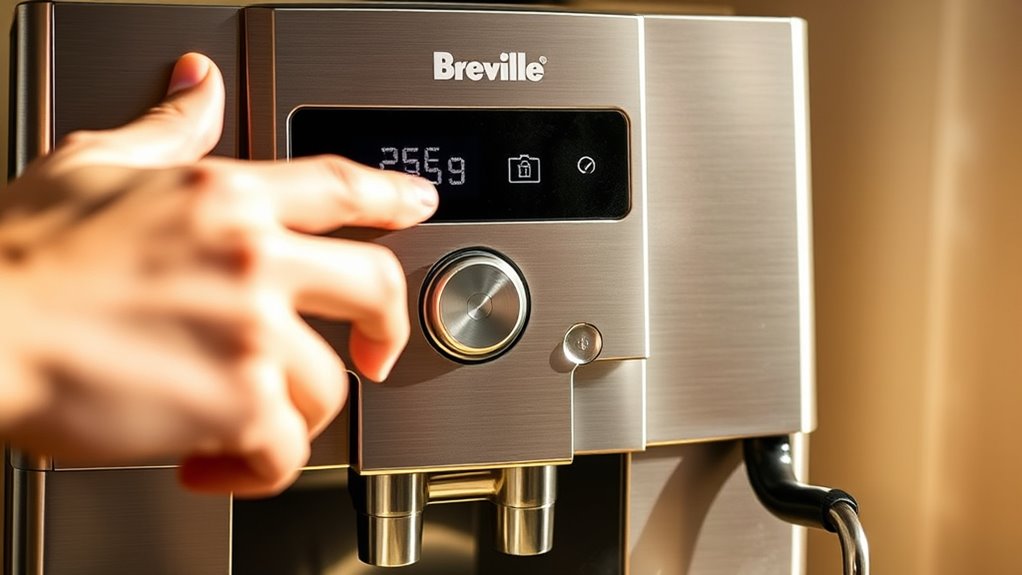
Although your Breville espresso machine is designed for consistent performance, you should reset it whenever you notice shot volume inconsistencies, temperature fluctuations, or pressure glitches. These issues often stem from internal memory drift, which a reset corrects by restoring default settings.
Resetting also helps maintain stable temperature and pressure, directly impacting espresso quality.
It’s wise to perform a reset after any troubleshooting attempts or if the machine starts behaving unpredictably. Doing this regularly prevents minor performance problems from escalating, ensuring your machine operates *at its best* over time.
Starting with a reset can save you time before reaching out to customer support, making it a practical first step for resolving many common but subtle operational issues.
Additionally, regular maintenance including descaling your espresso machine can prevent the buildup that often causes such performance inconsistencies.
Troubleshooting Common Issues Before Resetting Your Breville Espresso Machine
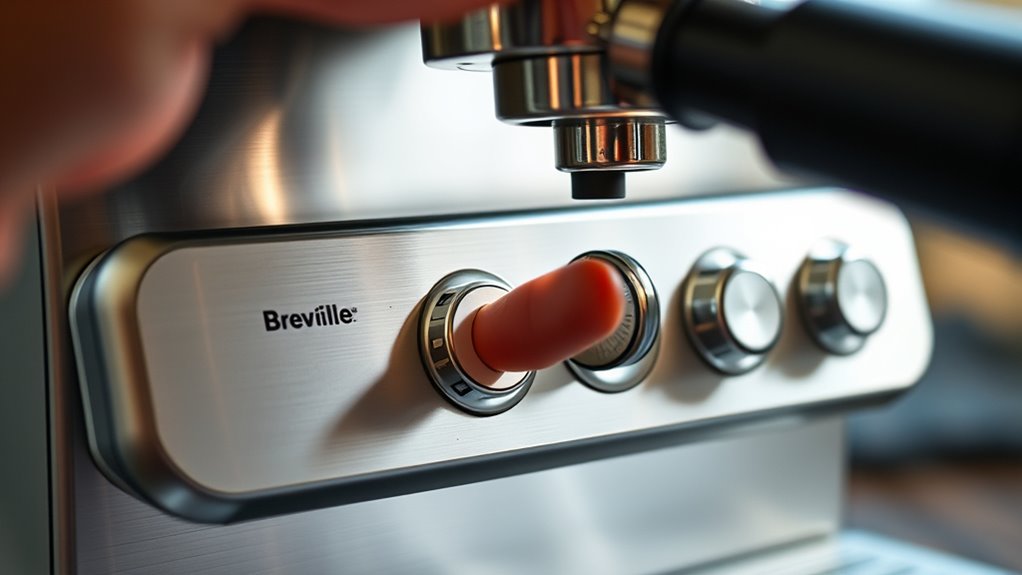
Before you reset your Breville espresso machine, it’s a good idea to first identify any common issues like error messages or unusual lights.
Start by checking the basics—make sure there’s enough water in the tank, the power connections are secure, and the brew head and filters are clean.
Often, a few simple steps like refilling the water tank or running a descaling cycle can fix the problem without having to do a full reset.
Regular maintenance, including descaling the machine, can prevent many issues that lead to errors or malfunctions.
Identifying Common Malfunctions
When you notice issues like inconsistent shot volumes, unresponsive buttons, or error messages on your Breville espresso machine, it’s crucial to identify the root cause before jumping into a reset. Pinpointing the source helps you decide if a reset is necessary or if simpler fixes will work.
First, check for hardware problems such as water flow blockages or pressure irregularities. These are often caused by mineral buildup. Usually, they require cleaning or descaling.
Next, determine if software glitches are causing unresponsive controls or error messages. Sometimes, minor recalibration can fix these issues.
Also, assess if the machine’s behavior, like continuous brewing or failure to start, is related to mechanical faults rather than software. This will guide your troubleshooting approach.
Identifying whether the malfunction is hardware or software based ensures you apply the most effective solution.
Regular maintenance, including descaling and cleaning, can prevent many common malfunctions before they occur.
Basic Troubleshooting Techniques
Since many common issues stem from simple causes, you’ll want to start by checking that your Breville espresso machine is turned off, unplugged, and all removable parts are properly in place.
Next, inspect the water tank to verify it’s full and seated correctly, as improper placement can disrupt water flow.
Take a look at the brew head and drip tray for clogs or buildup that may affect shot quality.
Also, check for blockages in the filter or group head that could cause inconsistent shot volume or temperature fluctuations.
These basic troubleshooting steps often resolve performance problems without a reset.
Only after confirming these elements are correct and issues persist should you consider resetting your machine to restore peak function.
Additionally, understanding the impact of shot size on espresso quality can help diagnose issues related to flavor and strength inconsistencies.
Preparing Your Breville Espresso Machine for Reset
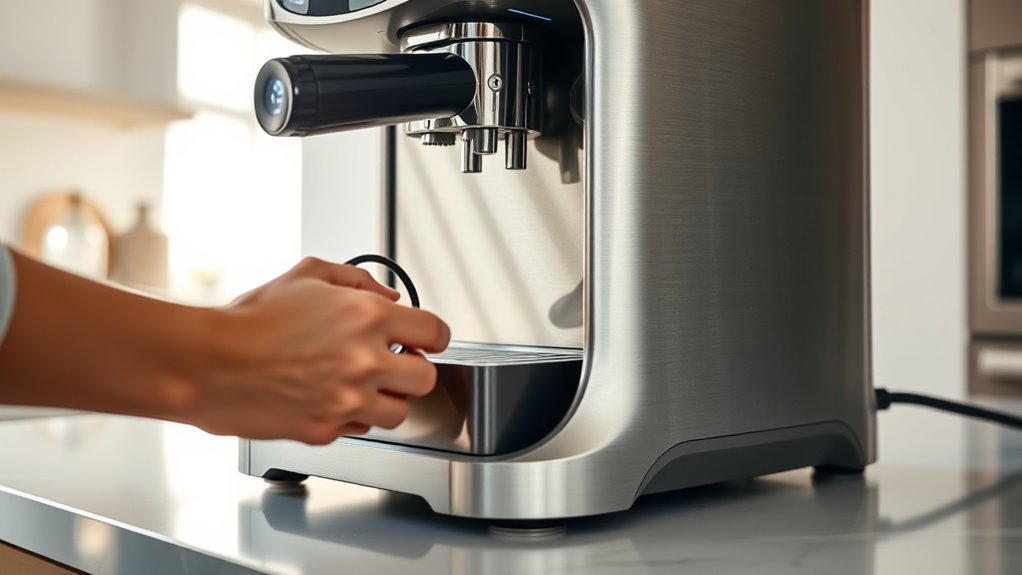
Before you start the reset, make sure to turn off and unplug your Breville espresso machine for safety. It’s important to do this first so you don’t accidentally cause any damage or get shocked.
Next, check that the water tank is securely in place. This helps avoid any interruptions during the reset process. You don’t want the machine to stop halfway because the water tank isn’t seated properly.
Also, take a quick look at the drip tray and confirm it’s properly positioned. When everything is in the right spot, the reset will run smoothly without any hiccups.
Additionally, understanding the importance of extraction timing can help ensure your machine is properly calibrated after the reset.
Power Off And Unplug
How do you safely prepare your Breville espresso machine for a reset? First, you need to power it down completely to prevent any accidental button presses during the reset.
Follow these essential steps:
- Turn off the machine using its power button to stop all operations.
- Unplug the device from the electrical outlet to discharge any residual power, ensuring your safety.
- Wait a few moments to allow all internal components to fully power down before proceeding.
Completing these steps ensures the machine is in a safe state for resetting.
By powering off and unplugging, you reduce the risk of electrical issues and accidental activations.
This sets the stage for a smooth reset process. Proper preparation is as important as techniques used in making a brown sugar shaken espresso to achieve the best results.
Check Water Tank Placement
After powering off and unplugging your Breville espresso machine, the next step is to check the water tank placement.
First, remove the water tank and inspect it for cleanliness. Make sure it’s filled with fresh, clean water to prevent airlocks during reset.
Then, firmly reinsert the tank into its designated slot, making sure it seats properly for a secure connection. Confirm the tank’s lid is tightly closed to avoid leaks or misalignment.
Finally, examine the surrounding area for any debris or obstructions that could interfere with the tank’s placement. Proper water tank positioning guarantees your machine resets smoothly and operates efficiently.
Using water with the proper mineral content is essential to maintain optimal flavor and machine performance.
Confirm Drip Tray Position
Although it might seem like a small detail, confirming that your drip tray is securely and correctly positioned is essential before you reset your Breville espresso machine.
A misplaced or loose drip tray can cause the machine to malfunction or prevent the reset from completing properly.
To guarantee everything is set, start by verifying the drip tray is firmly seated in its designated slot without any gaps or misalignment.
Then, remove the drip tray and clean it thoroughly to eliminate any debris that might interfere with the machine’s sensors.
Finally, reinsert the drip tray carefully, making sure it locks into place and sits evenly.
Following these steps helps maintain internal components and ensures a smooth reset process, preserving your machine’s performance and longevity.
Keep in mind that proper machine maintenance also plays a crucial role in consistent operation and caffeine extraction quality.
Starting the Factory Reset on Your Breville Barista Express
Before you start the factory reset on your Breville Barista Express, make sure the machine is turned off and unplugged to keep things safe. Next, reconnect it to power and double-check that the water tank and drip tray are in the right spot. Then, turn the machine on.
To initiate the reset, press and hold the Program button until all the panel lights flash. This signals that the reset process has started. Once the lights flash, just release the button to trigger the factory reset.
It is also a good practice to ensure the water tank is filled with clean, filtered water to maintain optimal machine performance during and after the reset process. This helps prevent issues related to water quality.
| Step | Action |
|---|---|
| 1 | Confirm machine is off/unplugged |
| 2 | Reconnect power, check parts |
| 3 | Turn on machine |
| 4 | Press & hold Program button |
It only takes a few seconds to get the process going.
What to Expect During the Reset Process
When you reset your Breville espresso machine, you’ll notice the panel lights flashing and hear a brief cycle as it restores the factory settings. It only takes a few seconds, and then the machine might reboot to let you know it’s ready to go.
Just keep in mind that all your custom settings will be erased, so you’ll need to set up your preferences again afterward. Understanding the importance of grind size and extraction settings can help you recalibrate your machine for optimal espresso flavor.
Machine Behavior Indicators
As you initiate the reset process on your Breville espresso machine, you’ll notice the panel lights flashing rapidly or following a specific pattern to indicate progress. These signals keep you informed about the internal reset status.
The lights may blink or change color, showing that the machine’s memory is being cleared and reinitialized. You might observe a brief running cycle or a series of flashes confirming the machine is actively resetting.
All indicator lights typically turn off momentarily before returning to their default state, signaling that the reset is complete.
Once the lights stabilize, your machine is ready for the next steps. Paying attention to these behavior indicators ensures you know the reset is happening correctly. It’s a simple way to stay in the loop without needing to guess what’s going on inside your machine.
Post-Reset Performance
Although the reset process only takes a few seconds, you’ll notice your Breville espresso machine temporarily pauses its usual operation while it reinitializes internal settings. During this time, the panel lights may flash rapidly or change patterns as the system resets.
The machine might also run a brief automatic water cycle to complete the process. Once reset, all indicator lights typically return to their default or off state, signaling the completion of the reset.
This pause is normal and guarantees the internal components recalibrate properly.
After the reset finishes, your machine is ready for reprogramming or immediate use. Understanding these signs helps you confirm the reset was successful and prepares you to proceed with your next steps confidently.
Recalibrating Your Breville Espresso Machine After Reset
Since resetting your Breville espresso machine clears previous settings, you’ll need to recalibrate it to guarantee peak performance. This process ensures your machine dispenses the right espresso volume and maintains ideal brewing conditions.
Resetting your Breville espresso machine clears settings, so recalibration is essential for optimal brewing performance.
Follow these steps to recalibrate effectively:
- Run a test shot to check water flow and temperature, noting any inconsistencies.
- Reprogram your preferred shot volumes through the machine’s menu or program buttons to match your taste.
- Adjust shot timing or volume based on the test results, fine-tuning for balanced flavor and extraction.
Regular recalibration after a factory reset restores your machine’s accuracy and consistency. It helps you enjoy espresso at its best every time.
How to Fix Shot Volume Problems on Your Breville Espresso Machine
If you notice inconsistent or incorrect shot volumes on your Breville espresso machine, resetting it can often clear internal memory errors causing the issue. Start by performing a factory reset to eliminate software glitches or sensor misreads that might affect shot volume.
After resetting, reprogram the shot volume to customize the espresso amount to your preference. This step guarantees the machine dispenses the correct volume consistently.
Keep in mind that blockages or pressure fluctuations can also cause shot volume issues. While resetting helps temporarily, regular cleaning and maintenance are essential.
Finally, recalibrate your machine after resetting and reprogramming to maintain accuracy over time. This approach solves shot volume drift and keeps your espresso shots precise and reliable.
Resolving Temperature and Pressure Glitches After Reset
When you reset your Breville espresso machine, it clears internal memory that might cause temperature and pressure glitches. But you’ll need to run a test shot to see if these issues are still there.
After resetting, make sure to reprogram your preferred shot volume and temperature settings to guarantee ideal brewing.
If you notice temperature irregularities, check the boiler’s heating element and thermostat to ensure they’re working properly.
For pressure inconsistencies, inspect the portafilter and group head for any blockages that might be affecting flow.
Here’s a quick checklist to follow:
- Run a test shot to monitor temperature and pressure accuracy.
- Reprogram shot volume and temperature settings after the reset.
- Check hardware components like the boiler element, thermostat, portafilter, and group head for faults or clogs.
This approach will help you resolve glitches efficiently after a factory reset.
How to Reset Other Popular Breville Espresso Machine Models
After addressing temperature and pressure glitches through a reset, you might need to perform similar steps on other Breville espresso models. For the Bambino and Bambino Plus, hold specific brew buttons until the lights flash, usually during startup or troubleshooting.
The Barista Pro requires browsing the LCD menu to select the factory reset option.
Each model has unique reset steps; some need you to press and hold certain buttons for several seconds to initiate the reset. Since procedures vary, always consult your machine’s user manual to verify accuracy.
Generally, resetting involves a combination of button presses and menu exploration to restore factory settings effectively.
Following these precise steps will help you troubleshoot and restore your Breville espresso machine quickly and correctly. It’s pretty straightforward once you know where to look, so don’t hesitate to check the manual for your specific model.
That way, you’ll get your machine back up and running in no time.
Maintenance Tips to Keep Your Breville Espresso Machine Running Smoothly
Although Breville espresso machines are built to last, regular maintenance is essential to keep them running smoothly and delivering great-tasting coffee. Neglecting upkeep can lead to mineral buildup, leaks, and inconsistent performance.
Here are three key maintenance tips:
- Descale every 2-3 months using the recommended solution to prevent limescale and promote consistent water flow.
- Clean the portafilter, drip tray, and water reservoir weekly to maintain hygiene and peak functionality.
- Use filtered water to reduce mineral deposits and prolong the lifespan of seals, gaskets, and internal components.
Also, it’s a good idea to periodically check seals and gaskets. This helps avoid leaks and keeps the pressure just right during brewing.
Following these steps will keep your Breville espresso machine performing at its best.
Frequently Asked Questions
Can I Reset My Breville Espresso Machine Without Unplugging It?
You can reset some Breville espresso machines without unplugging by using specific button combos or menu options. But many models still require unplugging for a full hardware reset.
It’s a good idea to check your manual so you can follow the correct procedure safely. That way, you won’t risk damaging your machine or losing any settings.
Will Resetting Erase My Custom Grind or Shot Settings?
Wondering if resetting your Breville erases your custom grind or shot settings? Yes, it does.
You’ll lose all personalized adjustments, so make sure you record your preferences beforehand. That way, you won’t have to start from scratch. It’s definitely worth saving your settings first!
How Often Should I Reset My Breville Espresso Machine?
You should only reset your Breville espresso machine when you face persistent issues like shot inconsistencies or unresponsive buttons. Avoid frequent resets to prevent unnecessary wear and focus on regular cleaning and descaling instead.
Keeping up with routine maintenance is way more helpful. Just give your machine a good clean and descale it regularly, and you’ll likely avoid most problems. So, save the reset for when it’s really needed!
Does Resetting Affect the Machine’s Warranty?
About 90% of Breville users find resetting doesn’t void their warranty if done properly. You shouldn’t worry about it, really.
Just make sure you follow the official reset steps carefully. Avoid any unauthorized modifications that could put your warranty at risk.
As long as you stick to the guidelines, you should be fine. So, no need to stress over resetting!
Can I Reset My Breville Machine if It’s Still Brewing?
You shouldn’t reset your Breville machine while it’s still brewing. Interrupting the cycle risks errors or damage.
It’s best to wait until the brewing finishes. Then you can perform the reset safely. This way, you ensure your espresso machine keeps working properly without any issues.
Conclusion
Resetting your Breville espresso machine is like giving it a fresh start. Just as a barista wipes the steam wand clean between drinks, you clear glitches to guarantee every shot is perfect. By following these steps, you’ll tackle common issues swiftly and keep your machine running smoothly.
Remember, regular maintenance is your best friend. It prevents problems before they brew. Take charge, reset with confidence, and enjoy barista-quality coffee every single time.